 features.ans · every tool and its key
Drag with the mouse to paint. Everything works with one mouse button; the right button is only a shortcut.
Tools
| Key | Tool | Key | Tool |
|---|---|---|---|
| B | brush | G | fill bucket |
| T | type text | I | eyedropper |
| P | smart pen with brushes | F | TheDraw / FIGlet text |
| H | half-block pixels | D | gradient fill |
| W | pattern brush | N | stencils |
| L R O | line, rectangle, ellipse | V | select |
| S C E | shade, colorize, erase | M | mirror / symmetry |
| Shift-F | photo filters | Shift-C | recolor |
The sidebar
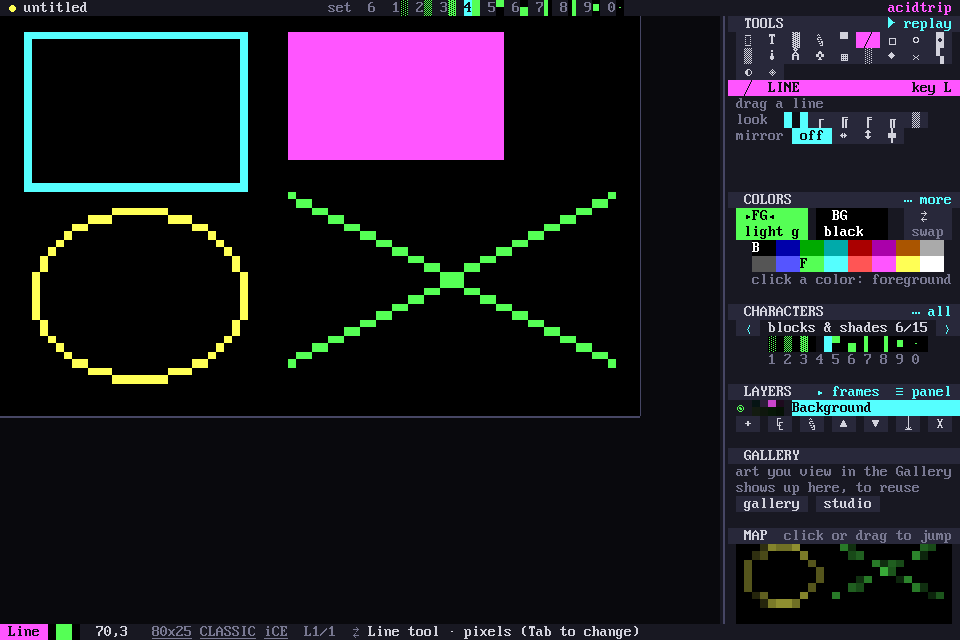
A stack of panels: tools, the active tool's options, colors, characters, layers and the map. Every option shows all its choices as chips you click, so nothing hides behind a key. Hover over anything and the status bar says what it does and its key. This site works the same way: try hovering.
The Art tool
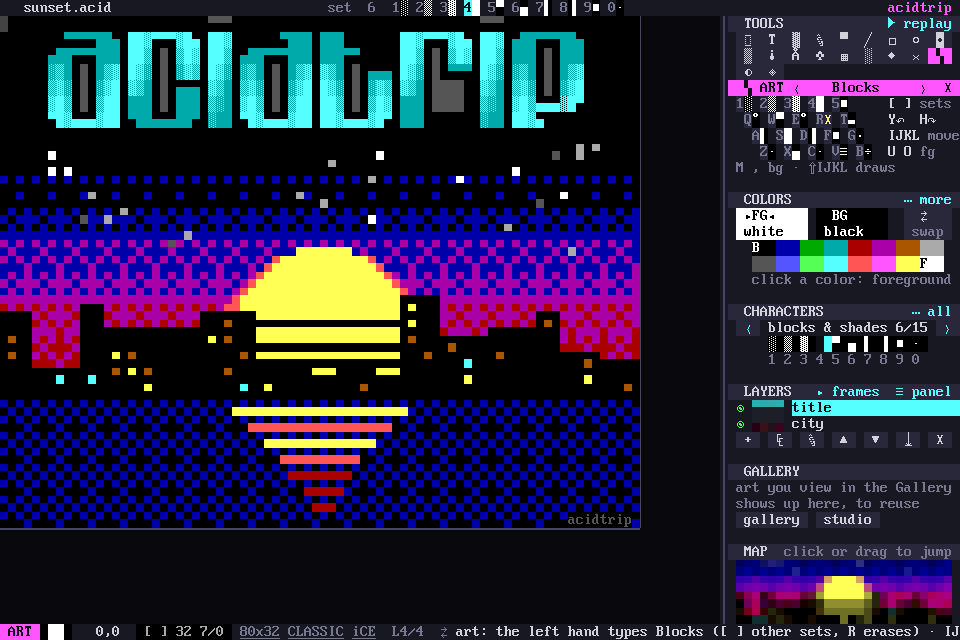
Ctrl-G turns the keyboard into a glyph board. Q W E / A S D / Z X C are the nine parts of a cell, each key's glyph sitting where the key sits: W is ▀, S is █, X is ▄. The left hand types blocks, the right hand moves with I J K L. The glyph sets come from counting glyphs across 500+ scene files from 1994 to 2023.
The smart pen and brushes
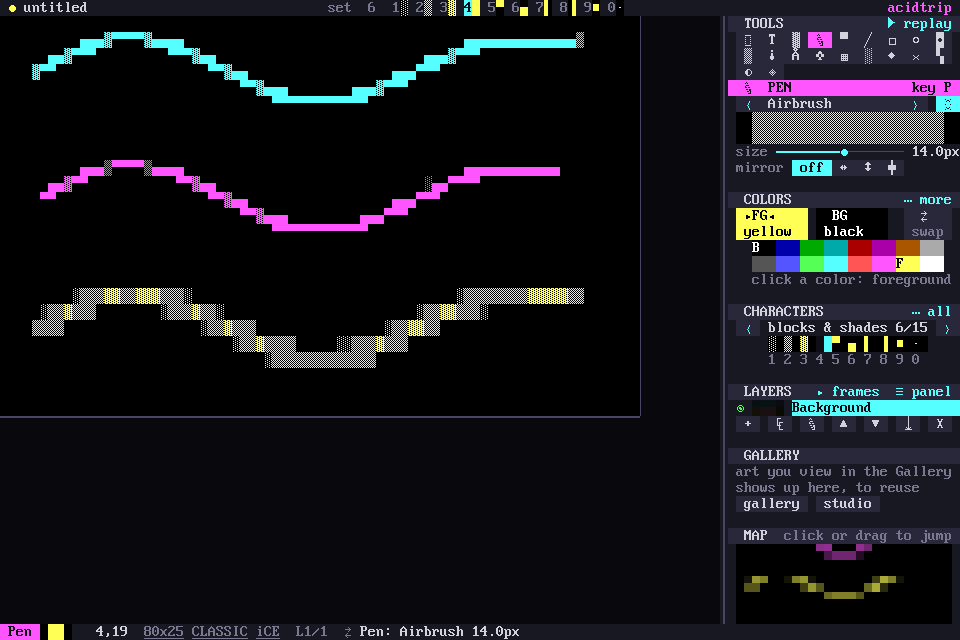
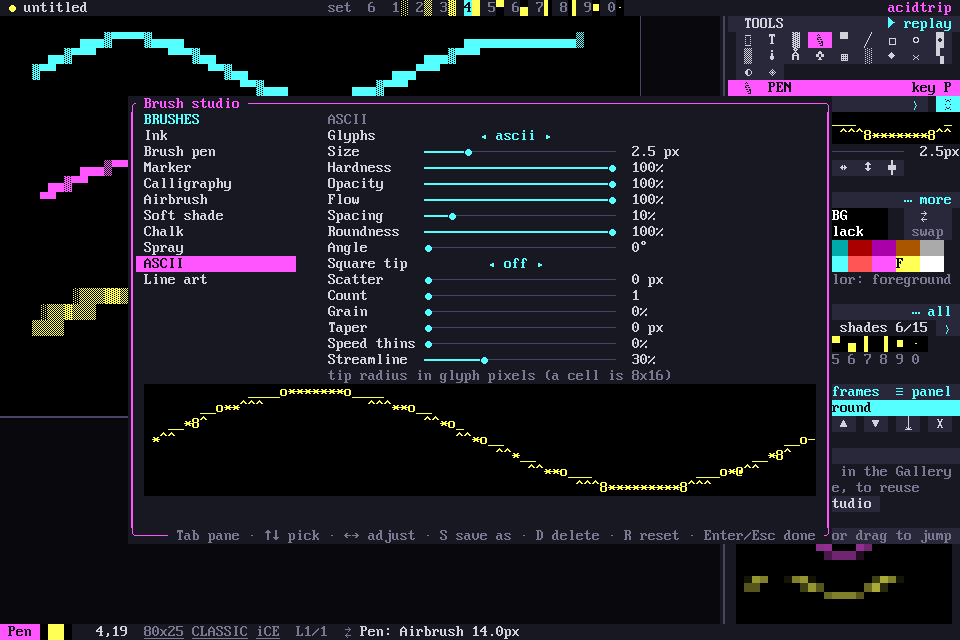
The pen draws your stroke at the glyph's own 8×16-pixel resolution, then picks the glyph whose real bitmap matches best: ▀ ▄ ▌ ▐ for clean edges, ░ ▒ ▓ for slopes, connected ─ │ ┌ ┘ with a box set. Tab steps through the brushes and Shift-P opens the brush studio.
| Brush | What it does |
|---|---|
| Ink | the crisp smart pen |
| Brush pen | tapers at both ends, thins when you move fast |
| Marker | bold square tip, blocks |
| Calligraphy | 45° flat nib: thick one way, thin the other |
| Airbrush | soft edge, builds up ░ ▒ ▓ █ where you go over it |
| Soft shade | 60% tone that never goes solid, for shading |
| Chalk | paper grain breaks the ink up |
| Spray | scattered dots · ∙ • ° |
| ASCII | text-art characters _ ^ * / \ o |
| Line art | connected single box lines |
Gradient fill
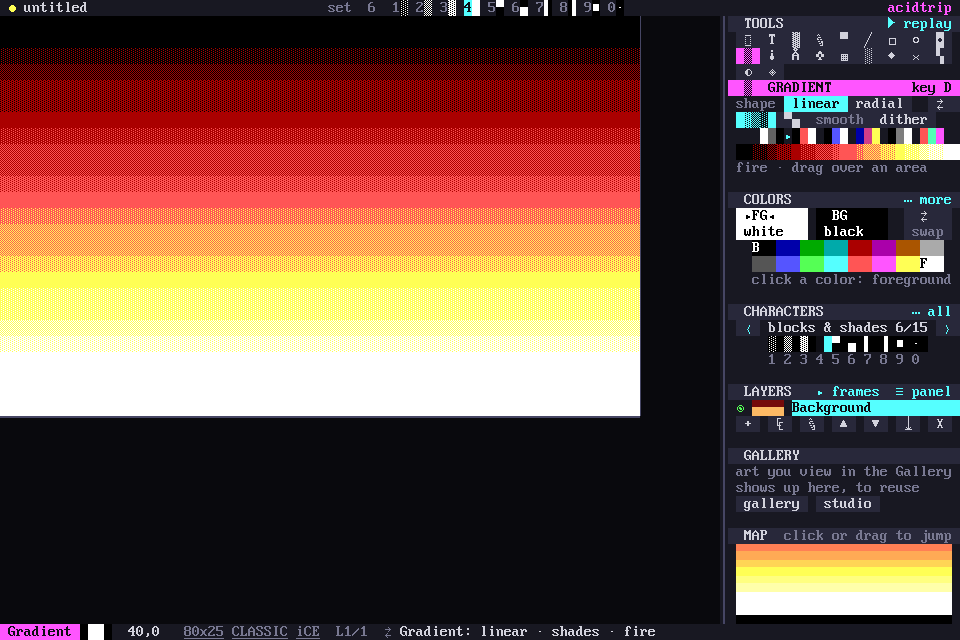
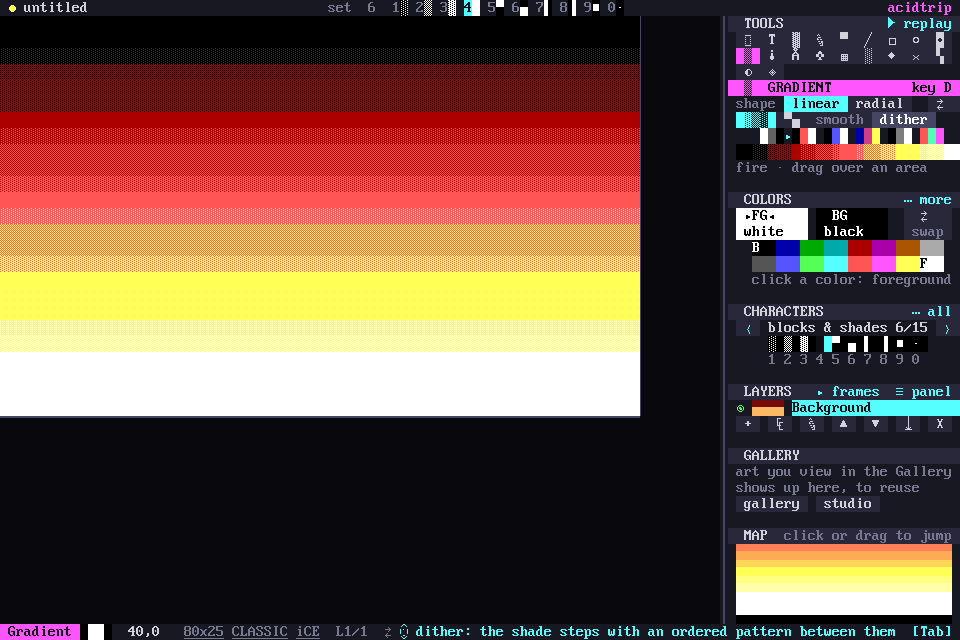
D drags a color ramp over the selection or a bucket region. Styles: ░▒▓ shades in even bands the way scene artists shade by hand, ▀▄ half blocks for twice the steps, smooth truecolor, and dither. Classic documents match every stop to the nearest of the 16 colors.
Filters
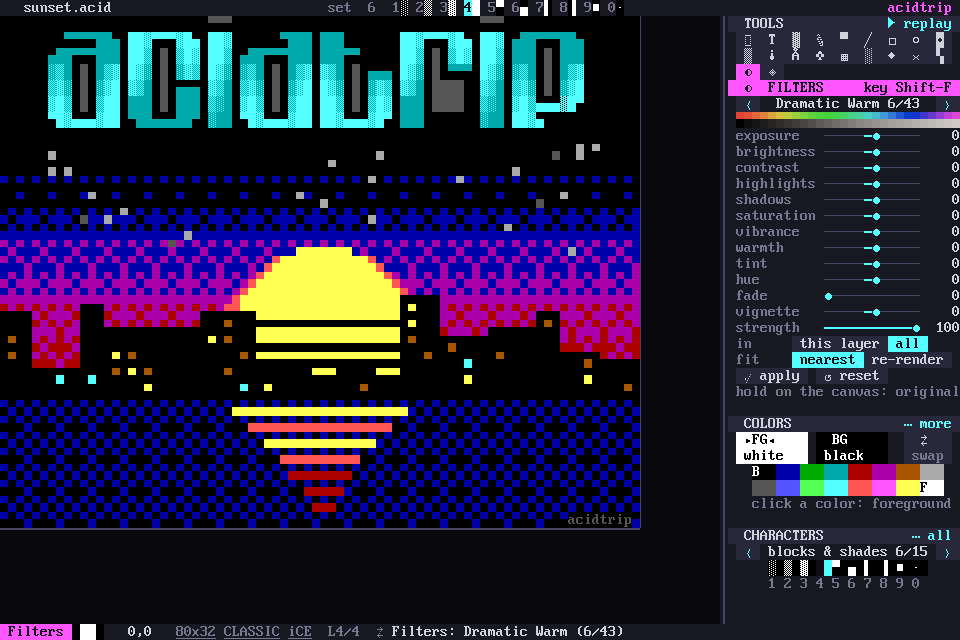
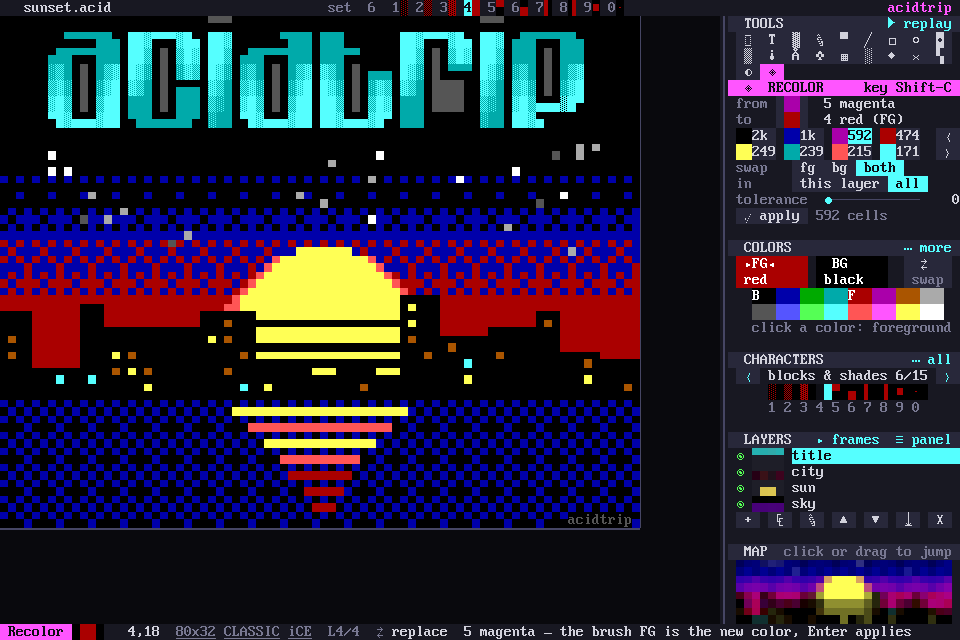
Shift-F: 43 presets, the iPhone looks and 27 classic Instagram filters from Clarendon to Ludwig, plus 13 sliders from exposure to vignette. The canvas previews live; Enter applies as one undo step. Shift-C recolors: click a color on the canvas, pick its replacement.
Pattern brush
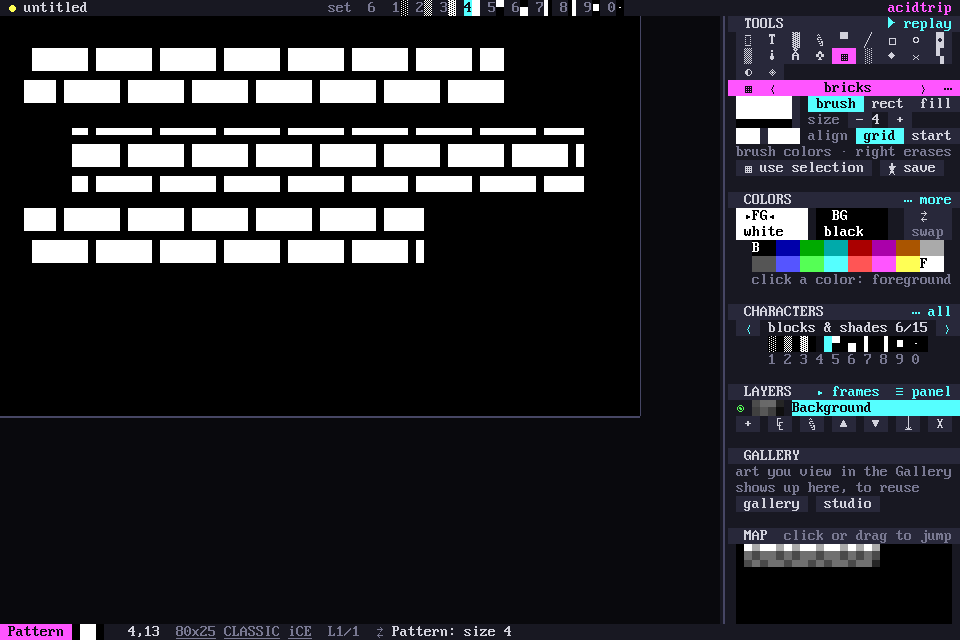
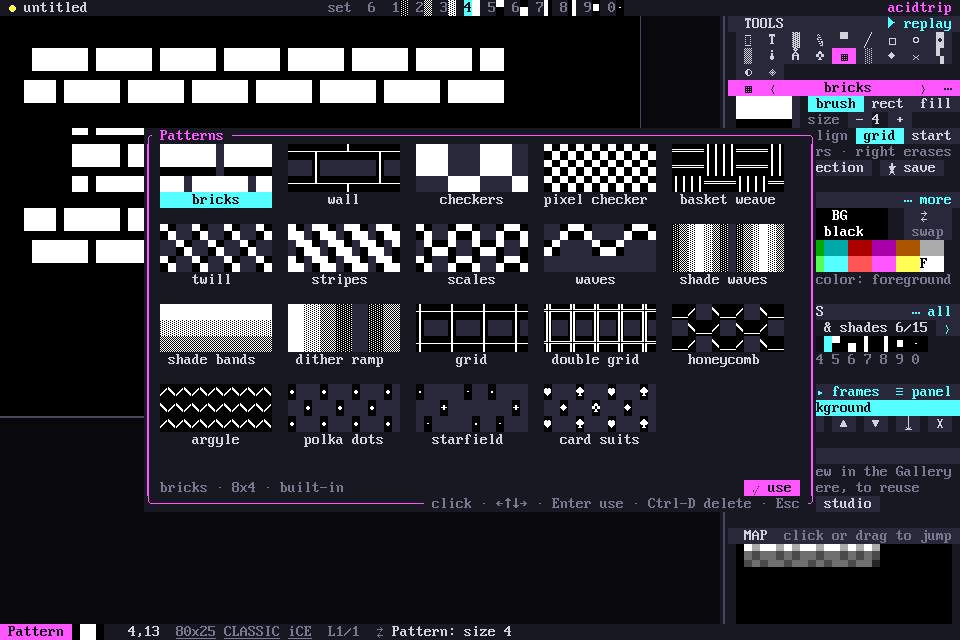
W paints with a tile that repeats and lines up on the canvas grid, so separate strokes join with no seams. Bricks, weaves, scales, argyle, a starfield, card suits, or any selection you turn into a pattern with Shift-W.
Never lose work
- Undo everything. A brush stroke is one step, an AI run is one step.
- Recovery: unsaved documents autosave every 20 seconds and come back after a crash.
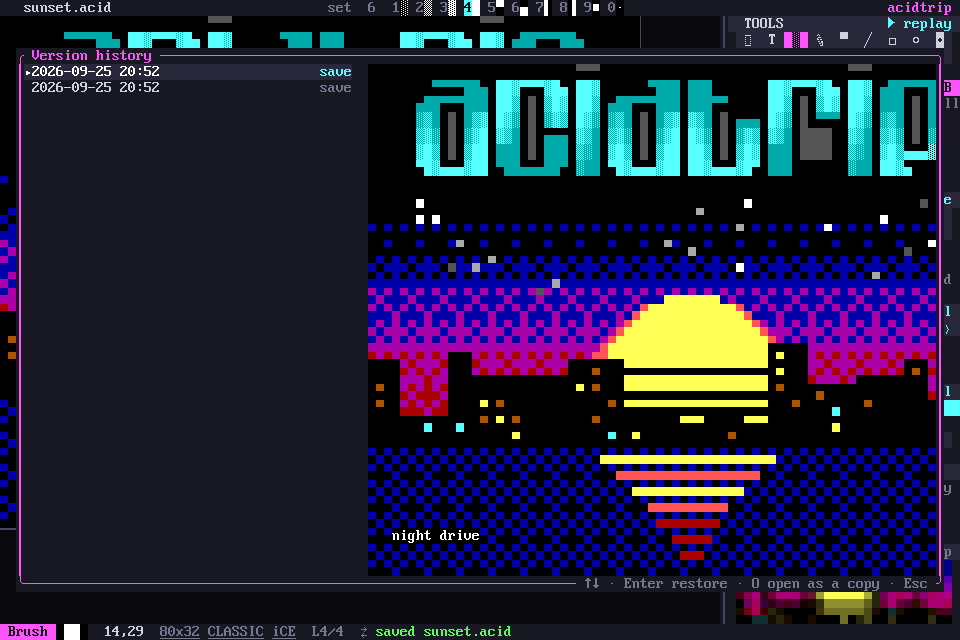
- Versions on every save and every 5 minutes. Alt-V browses them with a live preview.
- Backups: a
.bak, or numbered.001–.999copies like ACiDDraw.